











































































































































How to Build Effective Marketing Dashboards for Real-Time Insights:

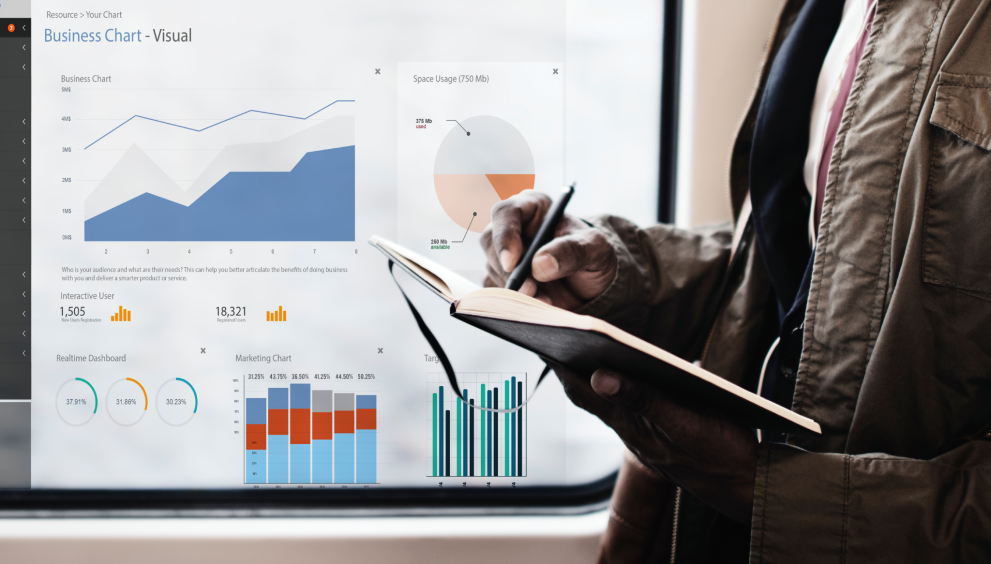
Marketing dashboards turn complex data into clear, actionable insights. Instead of pulling reports from multiple tools, dashboards centralize key metrics and help teams make faster, data-driven decisions.
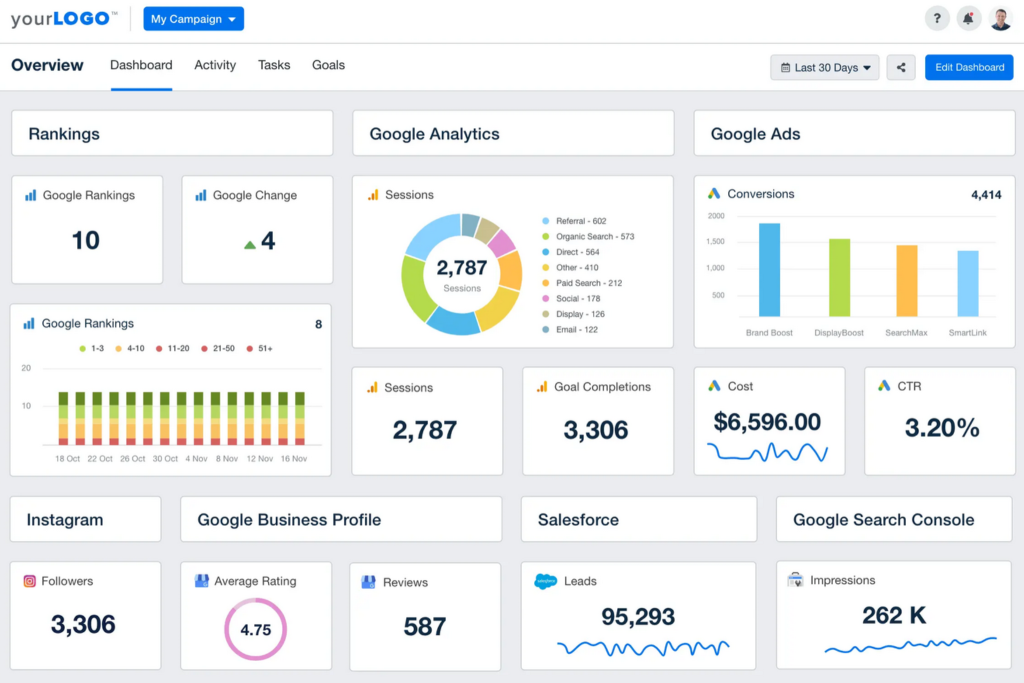
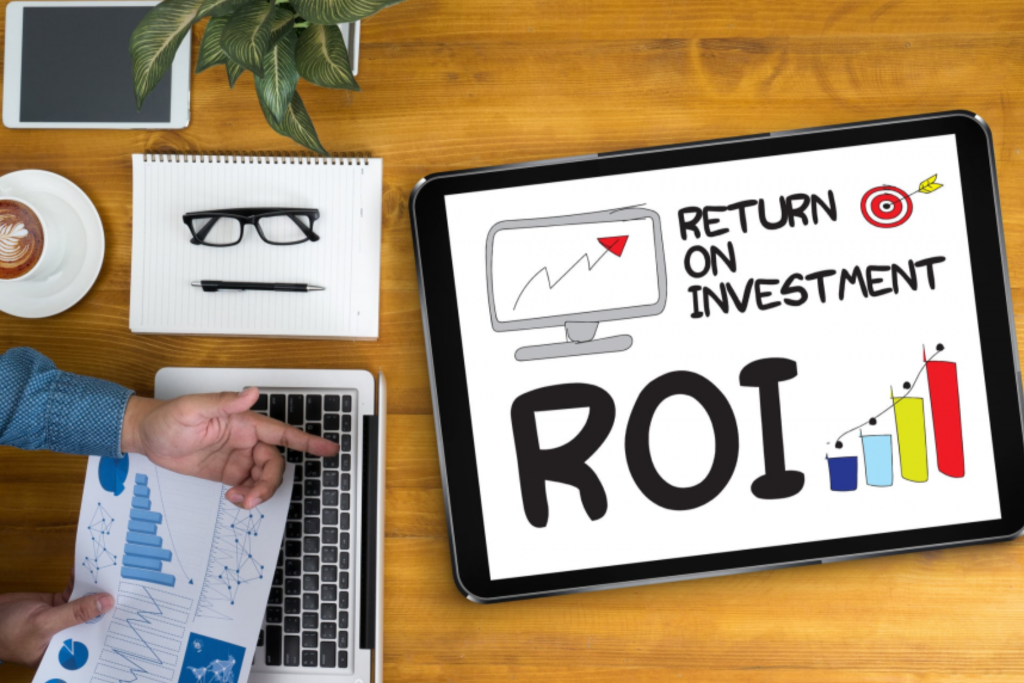
Start by defining the purpose of the dashboard. A performance dashboard should focus on KPIs such as traffic, conversions, cost per acquisition, and ROI. Avoid clutter—include only metrics that directly support business and marketing goals. Clear alignment ensures stakeholders can quickly understand performance without interpretation.
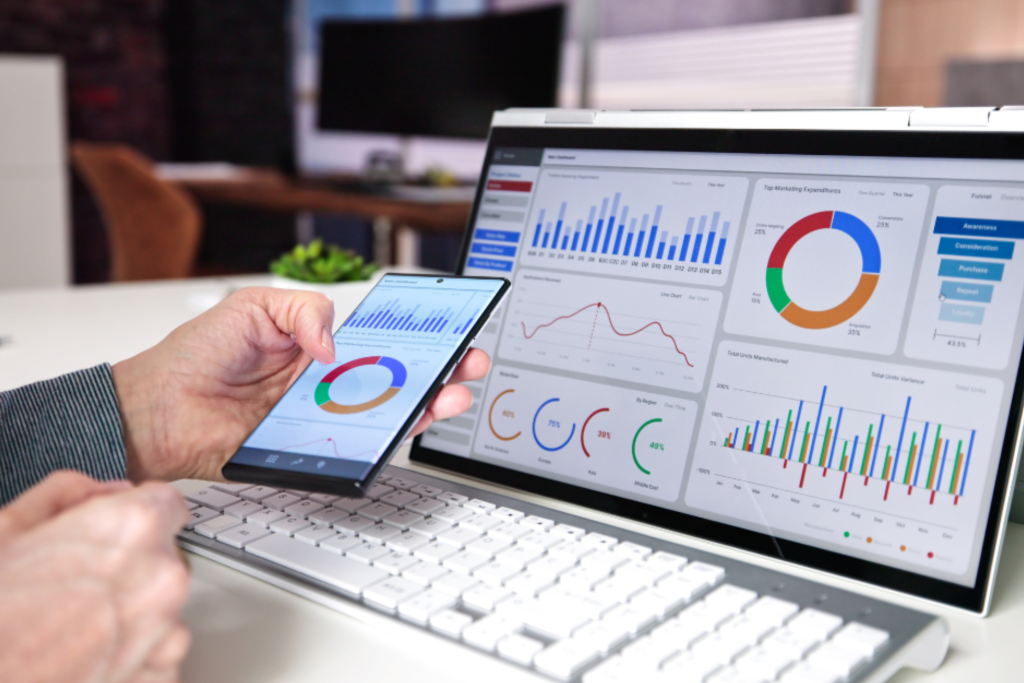
Choose the right tools. Looker Studio, Power BI, and Tableau are widely used for building dynamic dashboards. These platforms integrate with tools like Google Analytics 4, Google Ads, Meta Ads, and CRMs such as HubSpot or Salesforce, providing a unified view of marketing performance.
Real-time data access is critical. Dashboards should update automatically to reflect the latest activity. Automation tools like Zapier or Funnel.io help sync data from multiple sources without manual effort. Filters and segments allow users to analyze performance by channel, campaign, or timeframe.
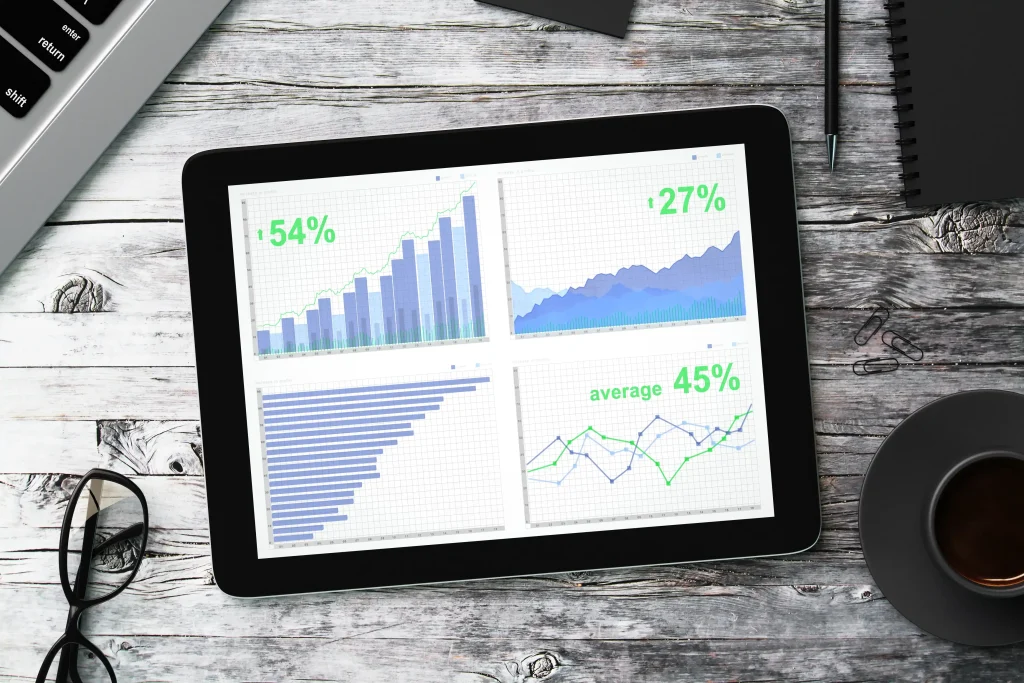
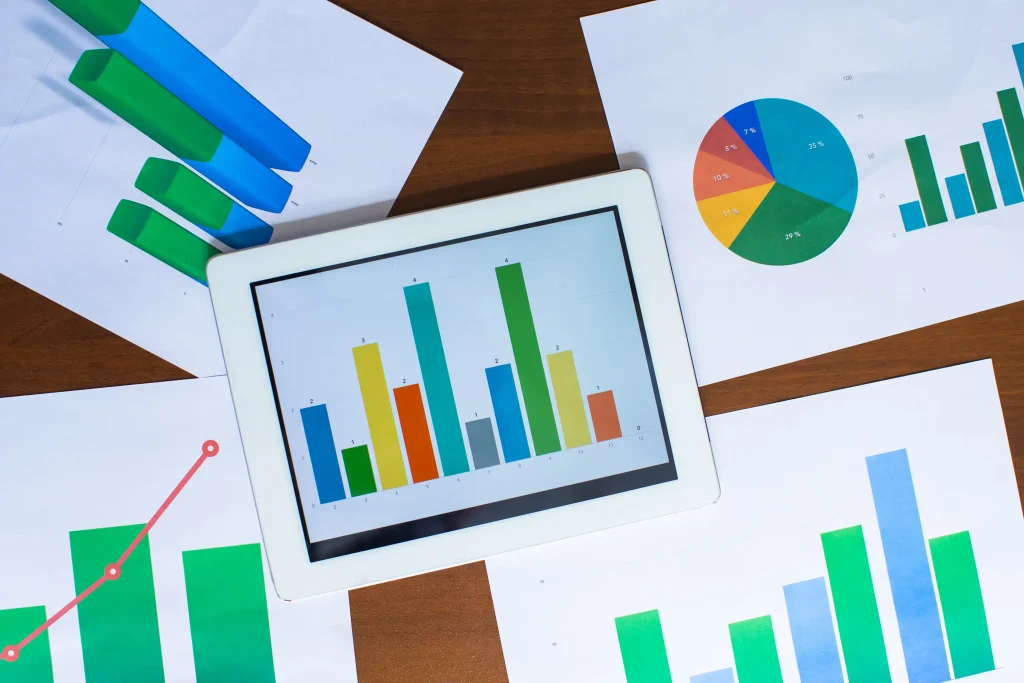
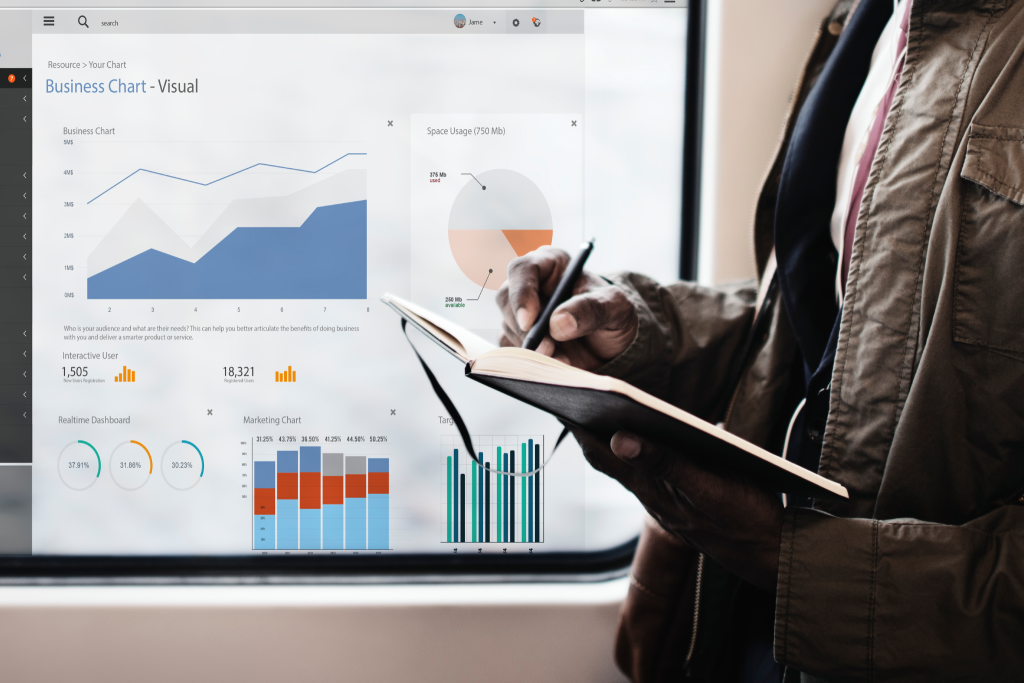
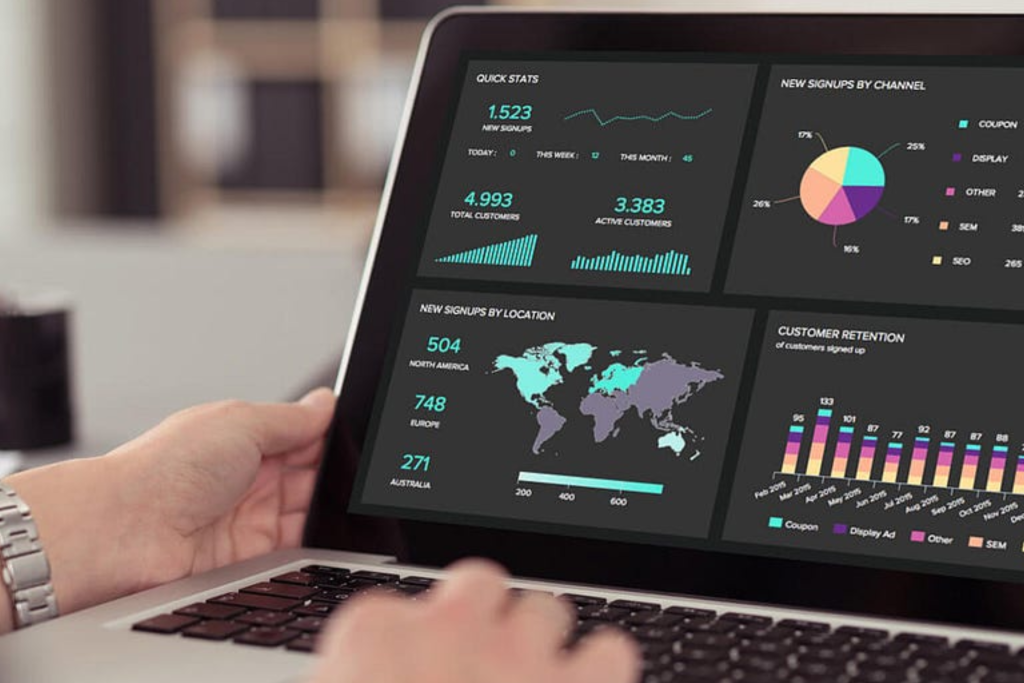
Design matters. Use clean layouts, visual hierarchies, and charts that highlight trends rather than raw numbers. Bar charts, line graphs, and scorecards make data easier to interpret and act on.
Effective dashboards don’t just report data—they drive action. By providing real-time visibility into performance, marketing teams can spot issues early, optimize campaigns faster, and make confident decisions backed by data.