



















































































































































Optimizing Your Website’s UX/UI for Better Conversion Rates:


Driving traffic to your website is only half the battle. The real challenge lies in converting that traffic into leads, customers, or subscribers. This is where UX/UI optimization becomes critical. A well-optimized user experience and interface can significantly improve conversion rates without increasing marketing spend.
This blog explores practical strategies for optimizing UX/UI design to improve website conversions and maximize the value of your existing traffic.
Understand the User Journey:
Conversion optimization starts with understanding how users move through your website. Every visitor follows a journey—from entry point to decision-making moment. UX design should support this journey by eliminating friction and guiding users toward a clear goal.
Mapping user flows helps identify drop-off points, unnecessary steps, and confusing navigation. Simplifying these paths makes it easier for users to take action, whether that action is filling out a form, booking a call, or making a purchase.
Simplify Navigation and Structure:
Clear, intuitive navigation is fundamental to conversion-focused UX. Users should be able to understand your site structure instantly without thinking.
Best practices include:
-
Limiting top-level navigation options.
-
Using clear, descriptive menu labels.
-
Structuring pages with logical content hierarchy.
-
Ensuring key pages are easily accessible.
When users can find information quickly, they are more likely to trust your brand and convert.
Optimize Calls to Action (CTAs):
CTAs are one of the most critical UI elements affecting conversion rates. Poorly designed or unclear CTAs often result in missed opportunities.
Effective CTA optimization includes:
-
Using action-oriented language.
-
Making buttons visually distinct.
-
Placing CTAs strategically within content.
-
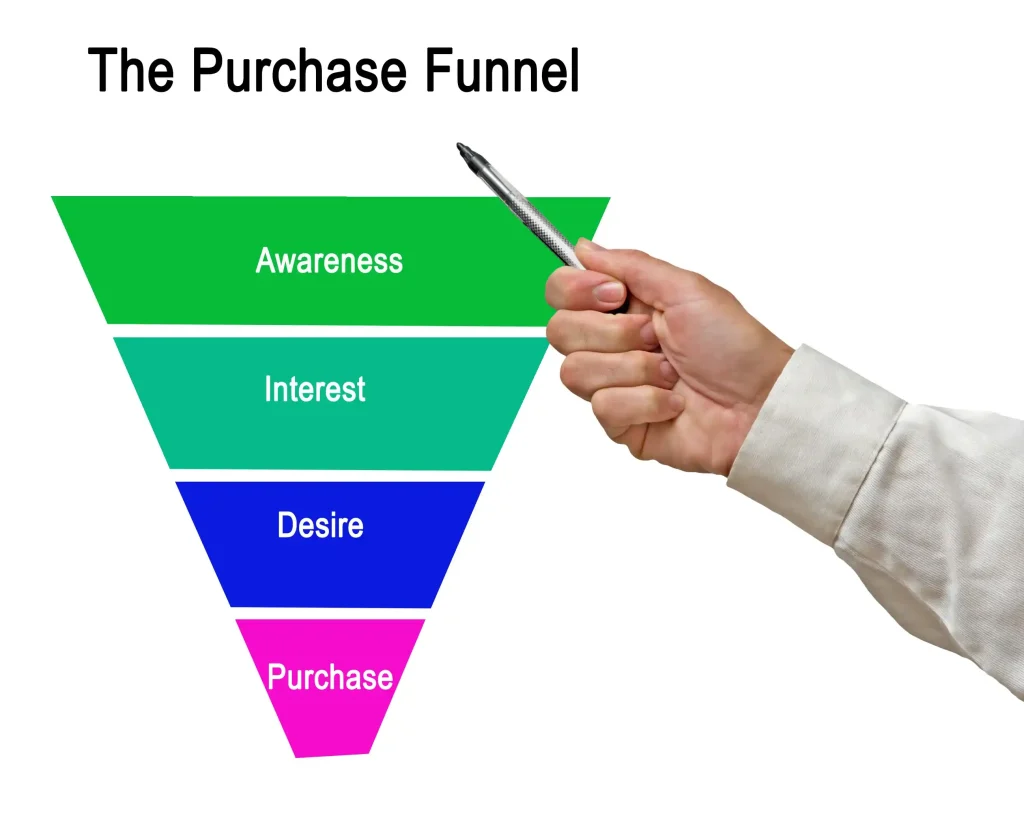
Matching CTA intent to user stage in the funnel.
For example, early-stage users may respond better to “Learn More,” while high-intent users may prefer “Get Started” or “Request a Quote.”
Improve Page Speed and Performance:
Page speed directly impacts UX and conversion rates. Even a one-second delay can significantly reduce conversions. Slow-loading pages frustrate users and increase abandonment.
Optimizing images, minimizing scripts, using caching, and choosing reliable hosting all contribute to faster load times. From a UX perspective, speed builds trust and keeps users engaged long enough to convert.
Design for Clarity, Not Clutter:
A cluttered interface overwhelms users and distracts them from taking action. Conversion-focused UI design prioritizes clarity, whitespace, and focus.
Key principles include:
-
Using whitespace to guide attention:
-
Limiting competing visual elements:
-
Highlighting primary actions:
-
Avoiding unnecessary animations or distractions:
Every design element should serve a purpose and support conversion goals.
Build Trust Through Design:
Trust is a major factor in conversion decisions. UX/UI design plays a crucial role in establishing credibility.
Trust-building elements include:
-
Clear contact information:
-
Testimonials and reviews:
-
Security badges and certifications:
-
Professional, consistent visual design:
A trustworthy interface reduces hesitation and reassures users that taking action is safe and worthwhile.
Optimize Forms for Higher Completion Rates:
Forms are often the final barrier to conversion. Poor form UX leads to high abandonment rates.
To optimize forms:
-
Reduce the number of required fields.
-
Use clear labels and instructions.
-
Provide inline validation and error messaging.
-
Ensure mobile-friendly form design.
Shorter, simpler forms dramatically increase completion rates and improve lead generation performance.
Mobile UX/UI Optimization Is Non-Negotiable:
With mobile traffic dominating most industries, mobile UX/UI optimization is essential for conversions. Buttons should be easy to tap, text should be readable without zooming, and layouts should adapt seamlessly to smaller screens.
A mobile-first approach ensures that your conversion paths work effectively for all users, regardless of device.
Test, Measure, and Iterate:
UX/UI optimization is an ongoing process. A/B testing different layouts, CTAs, colors, and content placements helps identify what works best for your audience.
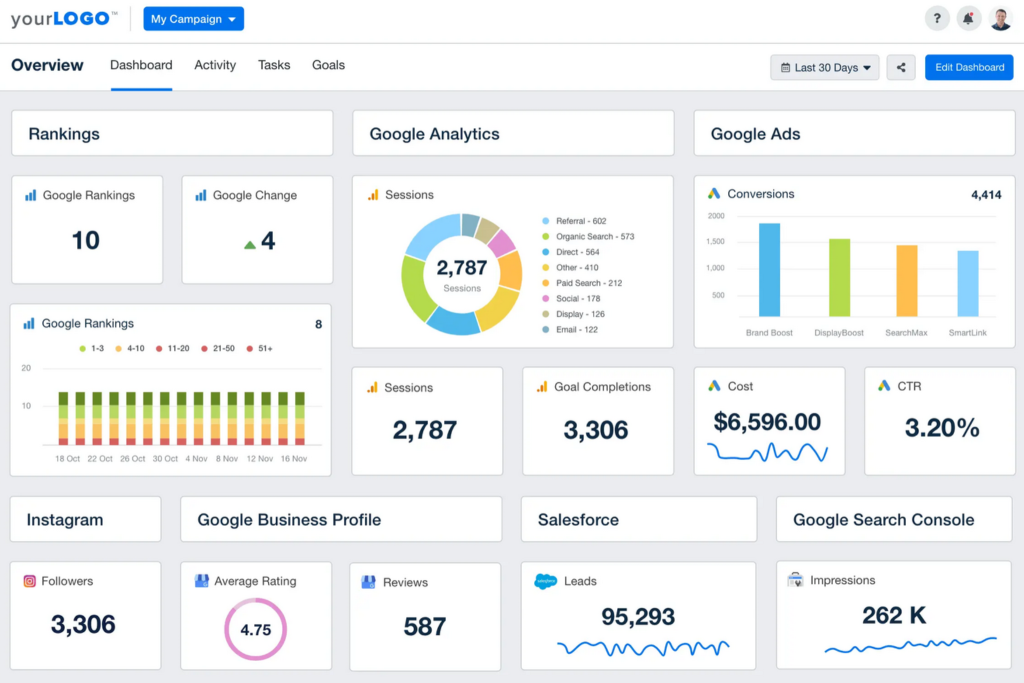
Use analytics tools to track:
-
Conversion rates.
-
Click-through behavior.
-
Scroll depth.
-
Drop-off points.
Continuous testing and refinement allow you to improve conversion performance over time without major redesigns.
Conclusion:
Optimizing UX/UI design is one of the most effective ways to improve website conversion rates. By simplifying navigation, enhancing CTAs, improving performance, building trust, and designing with the user in mind, businesses can turn more visitors into customers.
Rather than relying solely on increased traffic or advertising budgets, UX/UI optimization helps you maximize the value of the traffic you already have—making it a powerful, cost-effective growth strategy.